
The Owner's Facts File
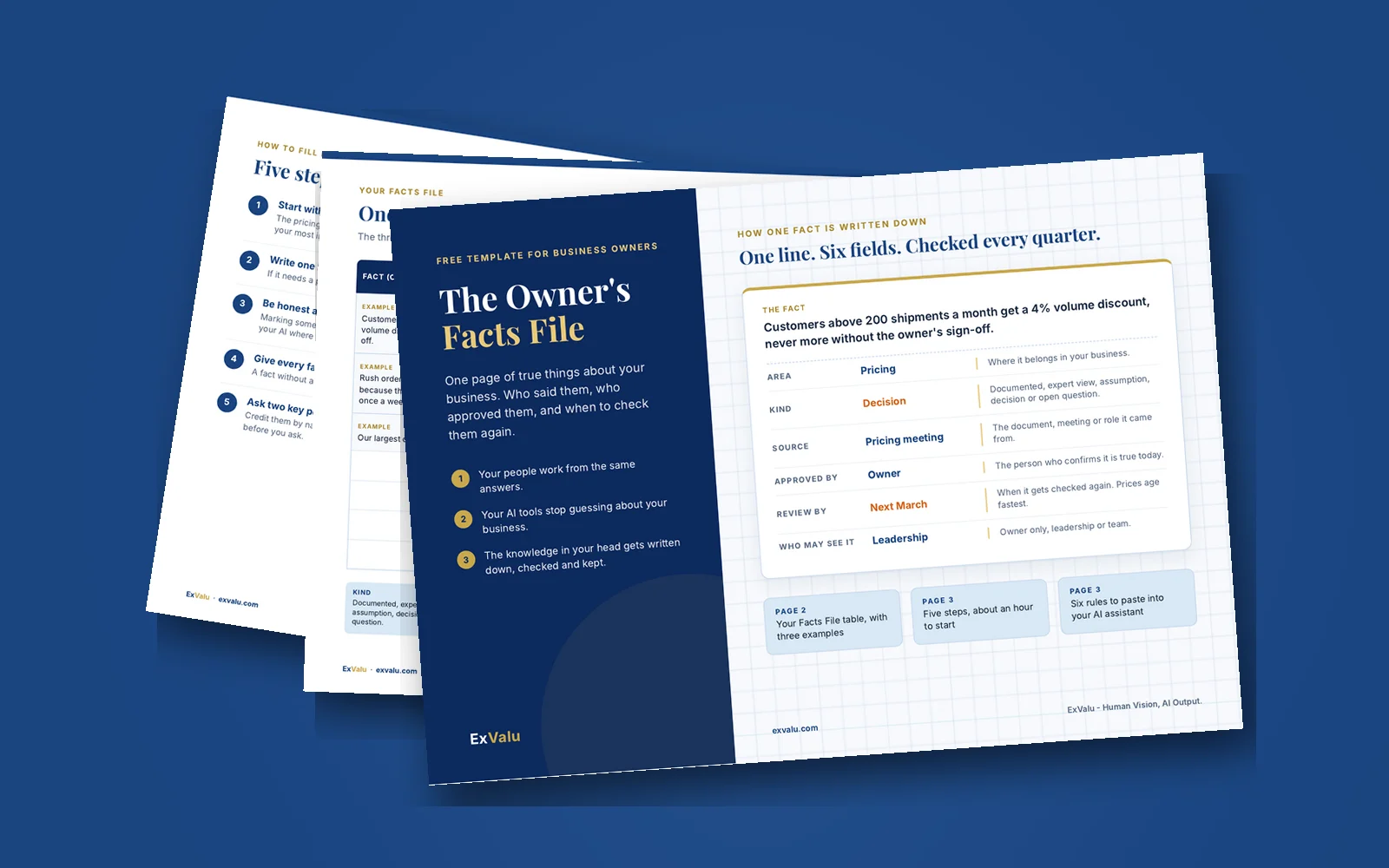
You have built a business that runs on a thousand facts: the terms a long-standing customer gets, the supplier you call when an order goes wrong, the reason a price is set the way it is. Many of them live only in your head. The Owner's Facts File is a three-page template that helps you write them down, one line at a time, so your team and your AI assistant work from the same facts you do.
Get the Facts FileThree pages, ready to use.
Print it, or copy it into a document or spreadsheet. About an hour is enough to start.
Page 1
How one fact is written down
Each fact gets a short line: what it is, its area, what kind of fact it is, where it comes from, who approved it, when to review it and who may see it.
Page 2
Your Facts File
One row per fact, with three filled-in examples from a fictional logistics company, so you can see how a finished line reads.
Page 3
How to fill it in
Five steps to get started, and six lines to paste into your AI assistant's instructions so it treats your file as the source and flags assumptions, outdated facts and contradictions.
Every fact you write down is one less question only you can answer.
When a buyer or a successor looks at your business, one of the first things they ask is how it really works, and who knows. A fact with a source, an approver and a review date answers that question without you in the room.
The same file gives your team, and any AI assistant they use, one place to check before they guess.
Want the bigger picture first? Read the Company Brain Checklist: 9 things a business owner can't skip.
Where should we send it?
Enter your first name and email, and we send the Owner's Facts File as a PDF.
Send me the Facts File
The form opens from our booking platform, which loads web fonts from Google.
Occasional insights for owners are optional and need their own tick in the form. How we handle your details is set out in Section 21 of our privacy policy.